





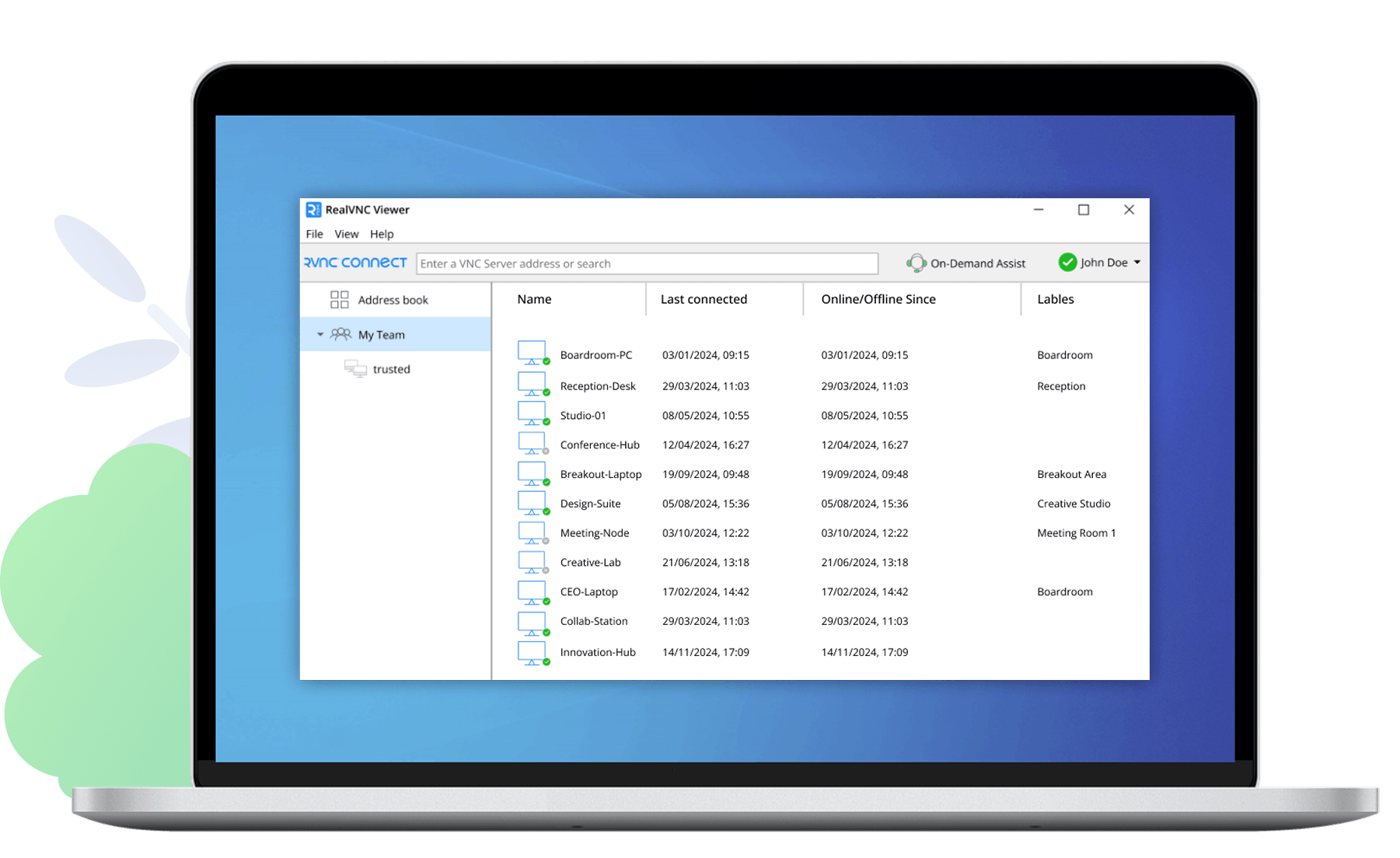

VNC® Deployment Tool

Remotely deploy and administer VNC for Windows.

VNC Deployment Tool enables you to quickly deploy VNC with an Enterprise license to multiple Windows computers over a network. You can then remotely configure the VNC Server component on these computers, reducing the need for desk-side visits.

Core features

Core features are as follows:

  • Fast network scanning—determine the state of VNC deployed on your networks.
  • Deploy to multiple hosts—remotely install the latest version of VNC with an Enterprise license in a single step.
  • One-click license key management—ensure that your deployment continues to work with the most recent version of VNC.
  • Remote VNC Server configuration—change parameters such as who is permitted to connect.
  • Multiple NT domains—administration made easy.

Platforms

VNC Deployment Tool
NT 4, 2000, XP, Server 2003, Vista, Server 2008, 7,
Server 2008 R2, 8 (Consumer Preview) [x86 & x64]

Resources

  • Documentation
    Whether you are an existing user, or are simply trying out the software.
  • Release notes
    For product history, including improvements and modifications.
  • Known issues
    A list of known issues, including workarounds and proposed fixes.
  • Submit a support request
    You can contact Suppport as a customer of VNC with an Enterprise license.


Licensing information

You do not require a separate license for VNC Deployment Tool, but you do require an Enterprise license valid for each computer on which you intend to install VNC. Note you can use VNC Deployment Tool to upgrade existing VNC Enterprise Edition 4.x installations to VNC, or alternatively to continue to administer VNC Enterprise Edition installations.