
Download RealVNC® Connect
You can then sign in with your existing account or start a free 14-day trial.
-
Best-in-class VNC Viewer + VNC Server
-
All-in-one remote access
RealVNC® Connect – Viewer + Server
- Install separate RealVNC Viewer and RealVNC Server apps
- Secure by design, best-in-class experience
- Allows for offline/on-premise connections
Thank you for downloading
Your download of VNC Connect for has started.
By downloading, you accept the Terms of Use and Privacy Policy
RealVNC® – All-in-one remote access
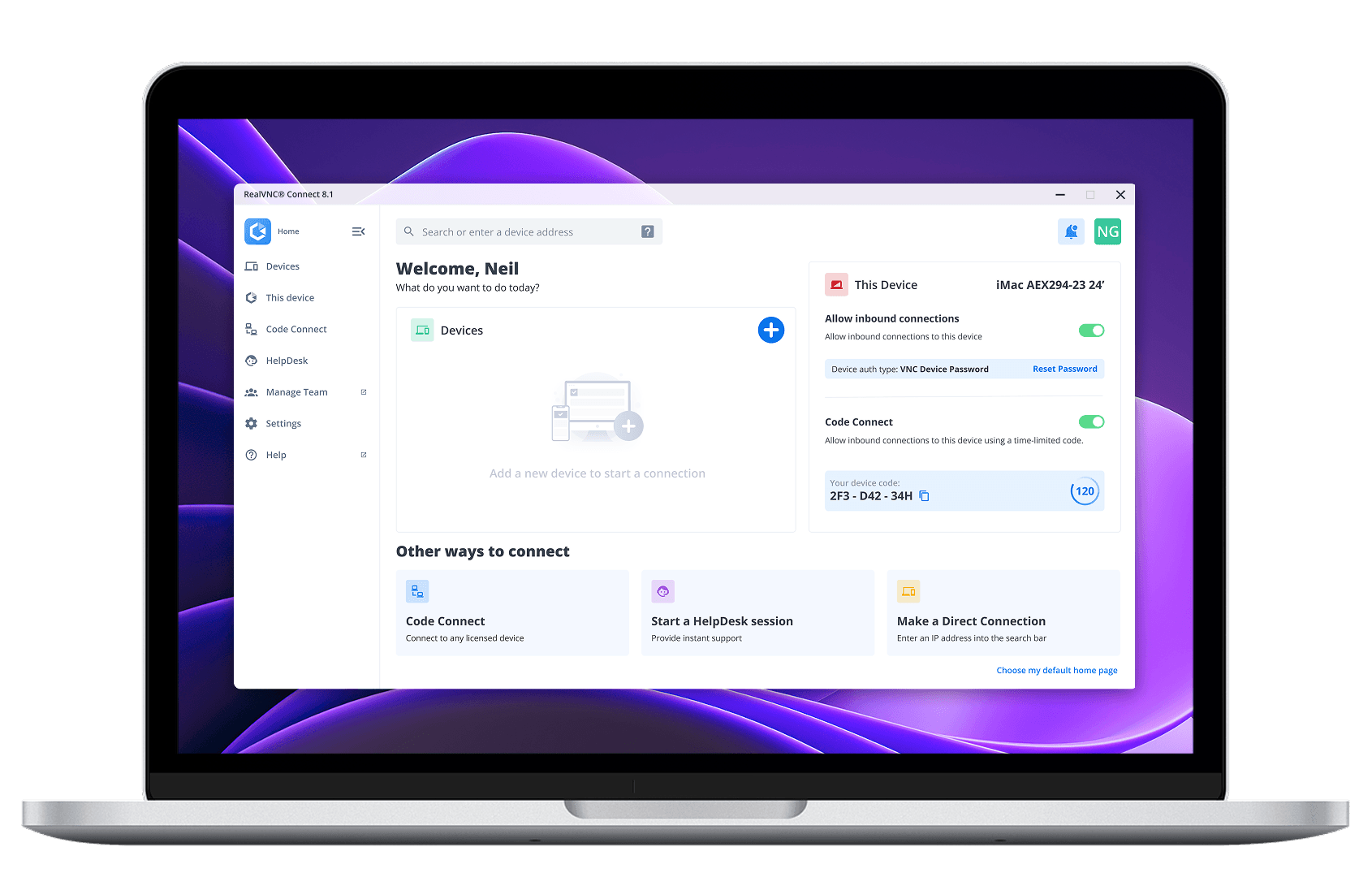
Download a single application for connecting to and from devices, all in a modern and easy-to-use interface.
- Install the same app on all devices
- Simple and intuitive user interface
- Ideal for easy remote access and IT support
See more installation options
A New ERA of REMOTE ACCESS HAS ARRIVED
Mass deploying to devices
Download installers for deploying RealVNC Connect to multiple devices at scale. Allows for installation on both unattended and offline/networked devices.
Thank you for downloading
Looking for RealVNC Viewer or Server?
We recommend using RealVNC Connect for the best experience and for access to the latest features.
If you still need to use the separate versions of our Viewer and Server, you can download the latest supported version of them by clicking the button below.
Trusted remote access for individuals and organizations.
Essentials
For individuals just looking to access a handful of their own devices.
- 3 devices
- 1 active connection
One Active Connection
per month
Billed annually
Includes:
- Up to 256-bit AES encryption
- Access to Windows, MacOS, Linux, & PiOS.
- Remote audio, printing, and file transfer
Plus
For growing teams wanting to support a small number of devices.
- 50 devices
- Up to 3 active connections
Per Active Connections
per month
Billed annually
Everything in Essentials, and:
- User and device groups
- Connect with Windows, Mac or Linux logins
- Set user roles and permissions
- Session recording
Premium
For larger teams needing advanced security and remote support users.
- 150 devices
- Up to 5 active connections
Per Active Connections
per month
Billed annually
Everything in Plus, and:
- Define custom permissions
- Audit logs of key events
- MFA for sessions
- Support users via On-Demand Assist
- Direct Connections on LAN
Enterprise
For organizations requiring remote access and remote support at scale.
- Customize your devices
- Customize active connections
Our Sales team will provide you with a quote that's tailored to your needs.
Everything in Premium, and:
- On-premise deployment
- Account SSO
- Deploy via Group Policy
- Priority customer support
- Custom Branding (HelpDesk)
- On-Prem Management Console
Frequently
asked questions
If you can’t find an answer to your question, please visit our Help Center or get in touch with us.
How can I purchase a RealVNC® Connect subscription?
If you’re purchasing a subscription to our Essentials, Plus, or Premium plans, you can pay via credit card, debit card, or using PayPal. If you want to pay via an electronic bank transfer, please contact us.
Is RealVNC Connect secure?
Yes, RealVNC® Connect is built from the ground up with security in mind. All connections are end-to-end encrypted and we have extensive security features and protocols to safeguard access and offer you full control. You can learn more about our security capabilities here.
Where can I find download checksums?
Check out our Help Center for the SHA256 checksums list.