






RealVNC logomark

RealVNC Viewer

Productivity

icon close circle

Download RealVNC® Server and Viewer

Connect securely to your devices with the original remote access solution, trusted by individuals and organizations worldwide.

RealVNC® Server for macOS

Install RealVNC Server on the device(s) that you want to view and control remotely.

Thank you for downloading

Your download of VNC Server for   has started.

Windows
macOS
Linux
Raspberry PI
Android
iOS

By downloading, you accept the Terms of use and Privacy Policy

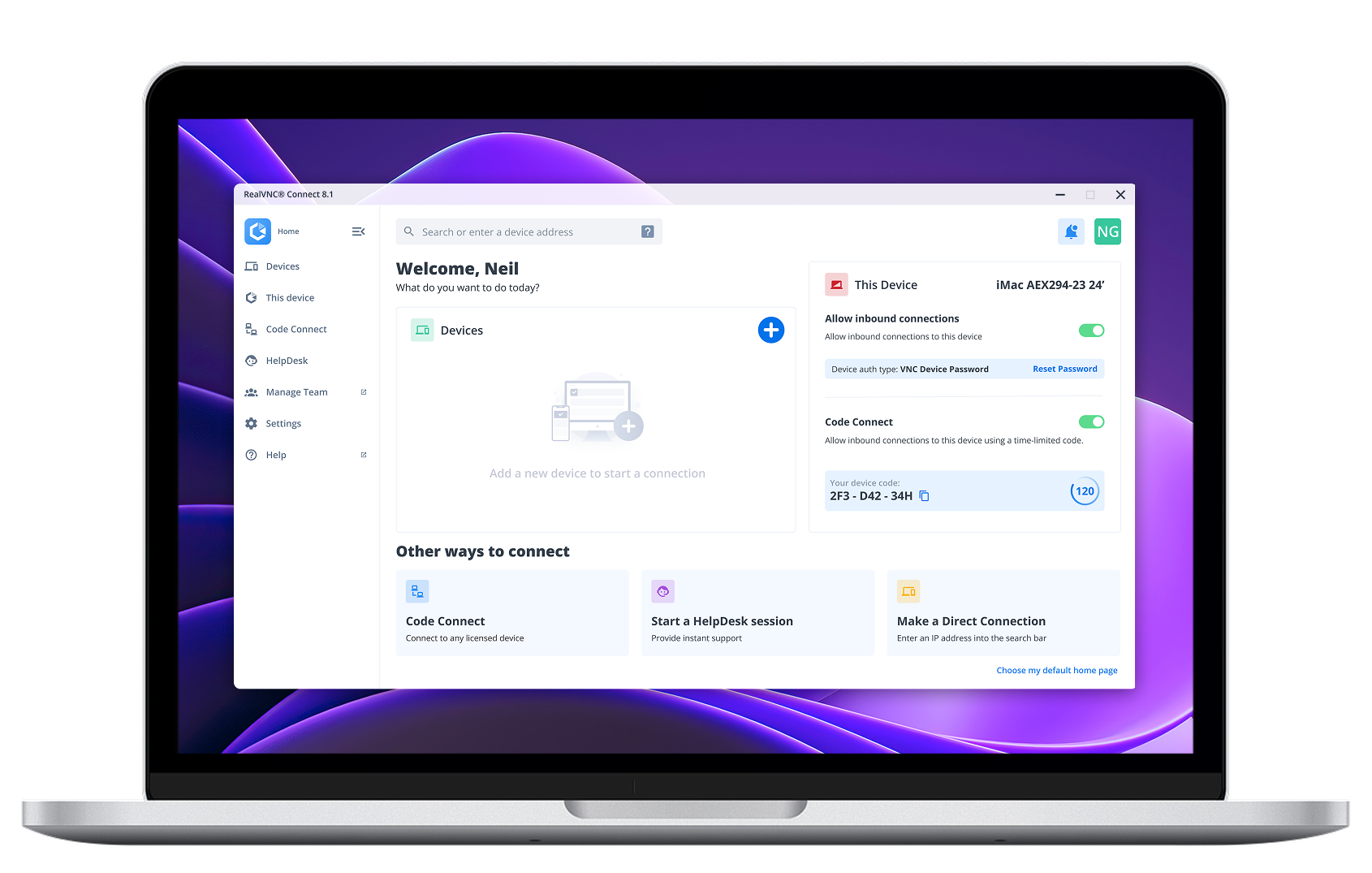
Switch to the RealVNC Connect App for a more streamlined experience

The new RealVNC Connect App brings together RealVNC Viewer and Server into one unified app.

With just a single app to download across your desktop devices, the RealVNC Connect App makes accessing your remote devices simpler than ever before.

Try it out today.

Looking for RealVNC Viewer or Server?

We recommend using RealVNC Connect for the best experience and for access to the latest features.

If you still need to use the separate versions of our Viewer and Server, you can download the latest supported version of them by clicking the button below.

Looking for our RealVNC classic Viewer?

Customers with a Premium or Enterprise plan can download the RealVNC Classic (v7) Viewer from the Downloads area of the RealVNC Portal.

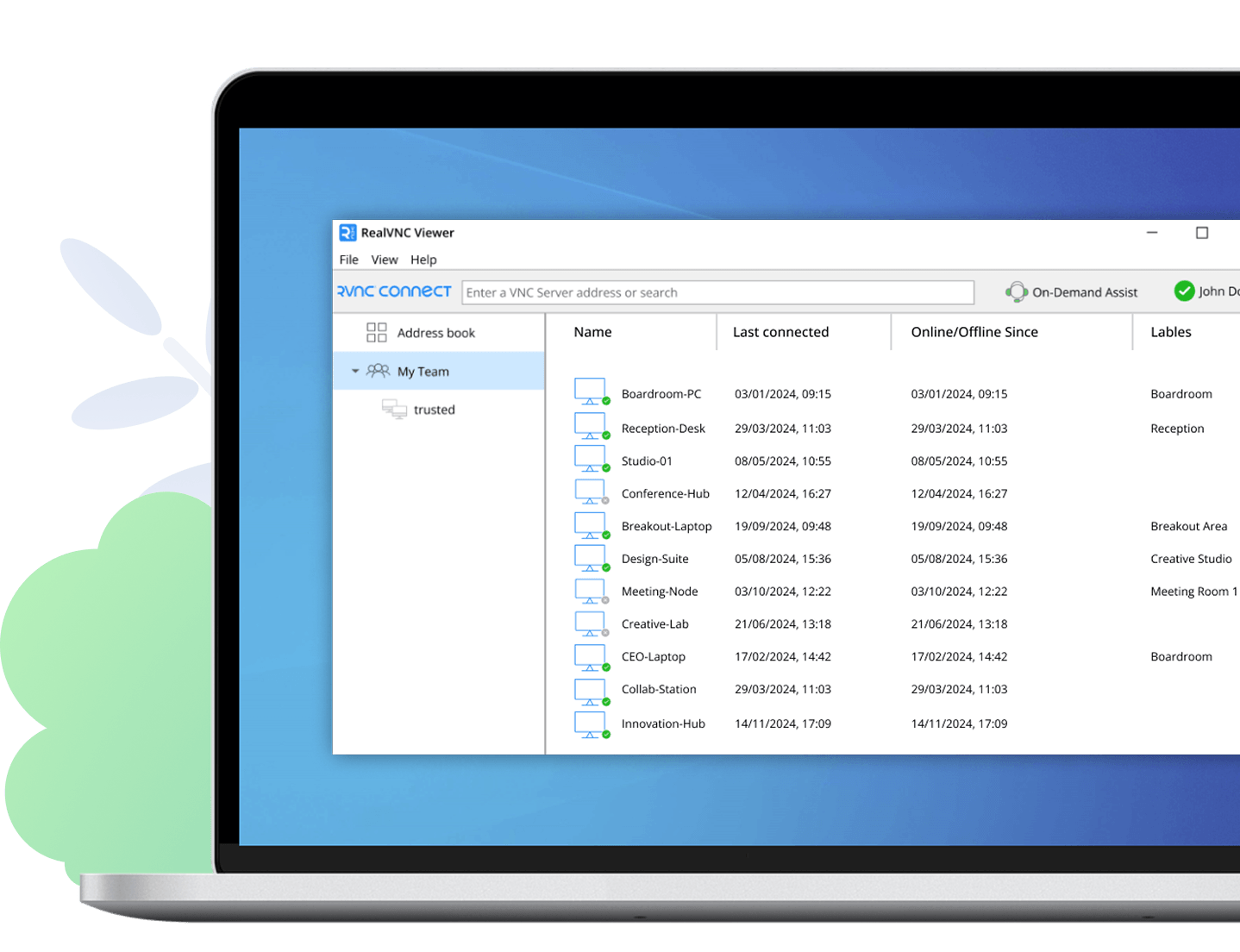
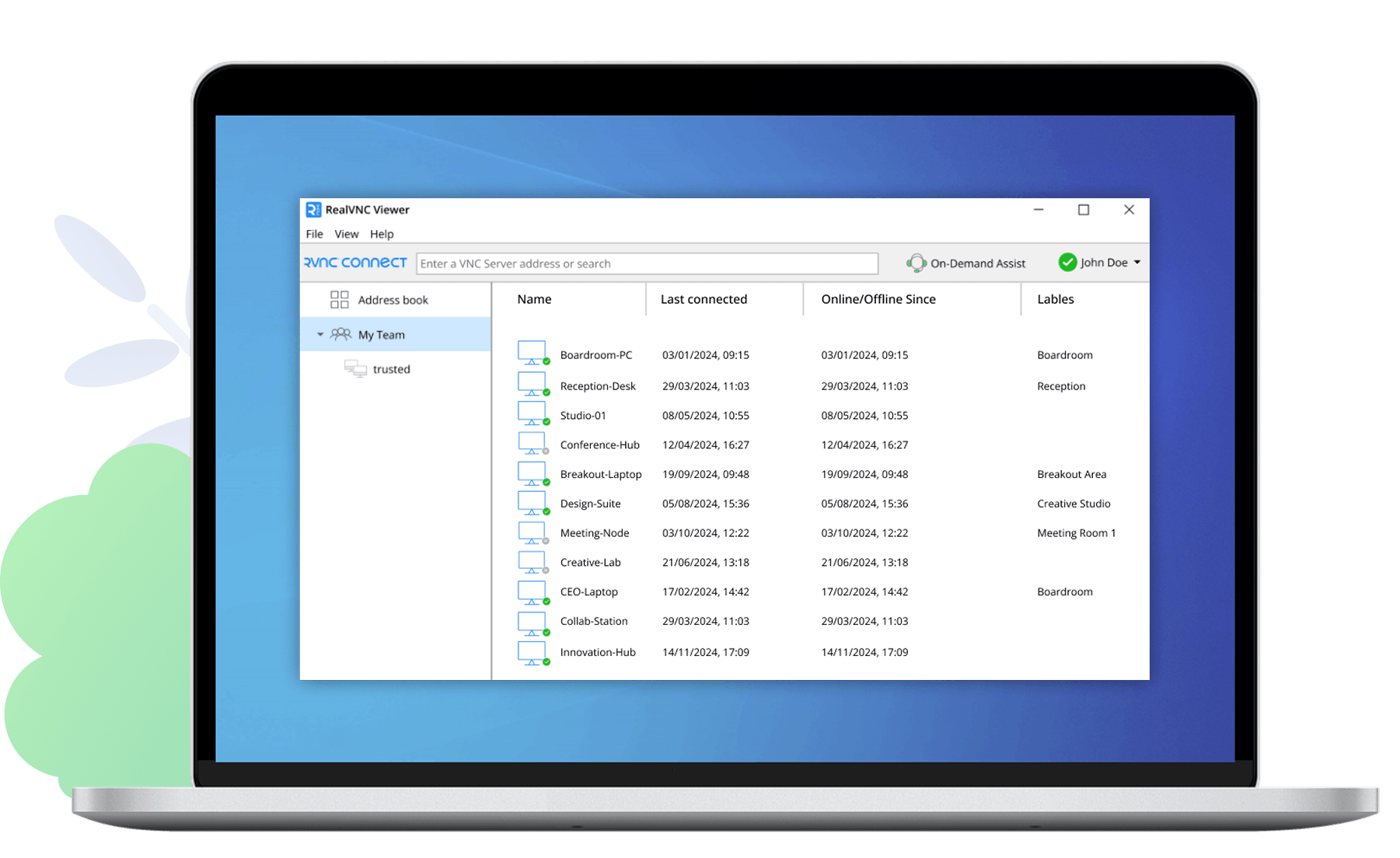
RealVNC Connect Classic Viewer screenshot

Made to work together

For the best experience, reliability, and security, we recommend using our VNC® Viewer with our VNC® Server.

VNC Viewer or VNC Server + 3rd Party Client

RealVNC Viewer or RealVNC Server + 3rd Party Client

VNC Connect

With RealVNC Connect

Full end-to-end session encryption No Yes
Session recording No Yes
Advanced multi-factor authentication No Yes
Cloud & Direct (LAN) connectivity No Yes
Granular access and user permission control No Yes
Remote printing, real-time chat and file sharing No Yes

A VNC Viewer that stands apart from the pack

RealVNC Viewer delivers a smoother, more secure remote access experience than ever before — combining enterprise‑grade encryption, effortless cross‑platform compatibility, and a brilliantly simple interface that lets anyone connect without the usual networking hassle. As the original VNC Viewer, it’s built on proven technology and enhanced with modern security and cloud‑ready convenience, giving you fast, reliable access to your devices from anywhere.

Runs on your OS of choice

RealVNC Viewer supports:

Windows

macOS

Linux

RaspberryPi

Android

iOS

Save time with saved devices

RealVNC Viewer remembers your devices, letting you reconnect instantly without re‑typing details.

Designed for ease of use

While most VNC viewers feel built for experts, RealVNC Viewer’s modern interface makes setup simple for anyone.

G2 stars review

4.7 stars, 400+ reviews
Top 50 IT Management
Products 2020

Apple App Store

4.8 stars, 11,700 reviews
Apple Store 5M+ downloads

Google Play Store

4.7 stars, 55,000 reviews
Google Play Store 5M+
downloads

Capterra

4.5 stars, 100+ reviews
Best Software Reviews
Platform

Frequently
asked questions

If you can’t find an answer to your question, please visit our Help Center or get in touch with us.

Check out our Help Center for the SHA256 checksums list

VNC® Connect is the latest version of our remote access software for personal and commercial use. It consists of a VNC® Server app for the computer you want to control, which must be licensed, and a VNC® Viewer app that you are free to download to all the devices you want to control from.

The easiest thing to do is to run the installer on the computer you want to control and follow the instructions. For system administrators with an Enterprise subscription, there’s a range of deployment options.

Sign in to VNC® Server using your RealVNC® account credentials in order to apply your subscription, or else start a 14-day trial. If you have an Enterprise subscription, you can apply an offline key at the command line or remotely.

Yes. Please contact support for more details.

Start with the FAQ.